
Margin
For the sentences you want to keep, without leaving a permanent mark on the page.

ON PAPER, THEN IN YOUR HAND
See it in the hand
Margin is built for the moment your thumb is already holding the page open. The app stays close to the reading habit instead of turning it into admin work.
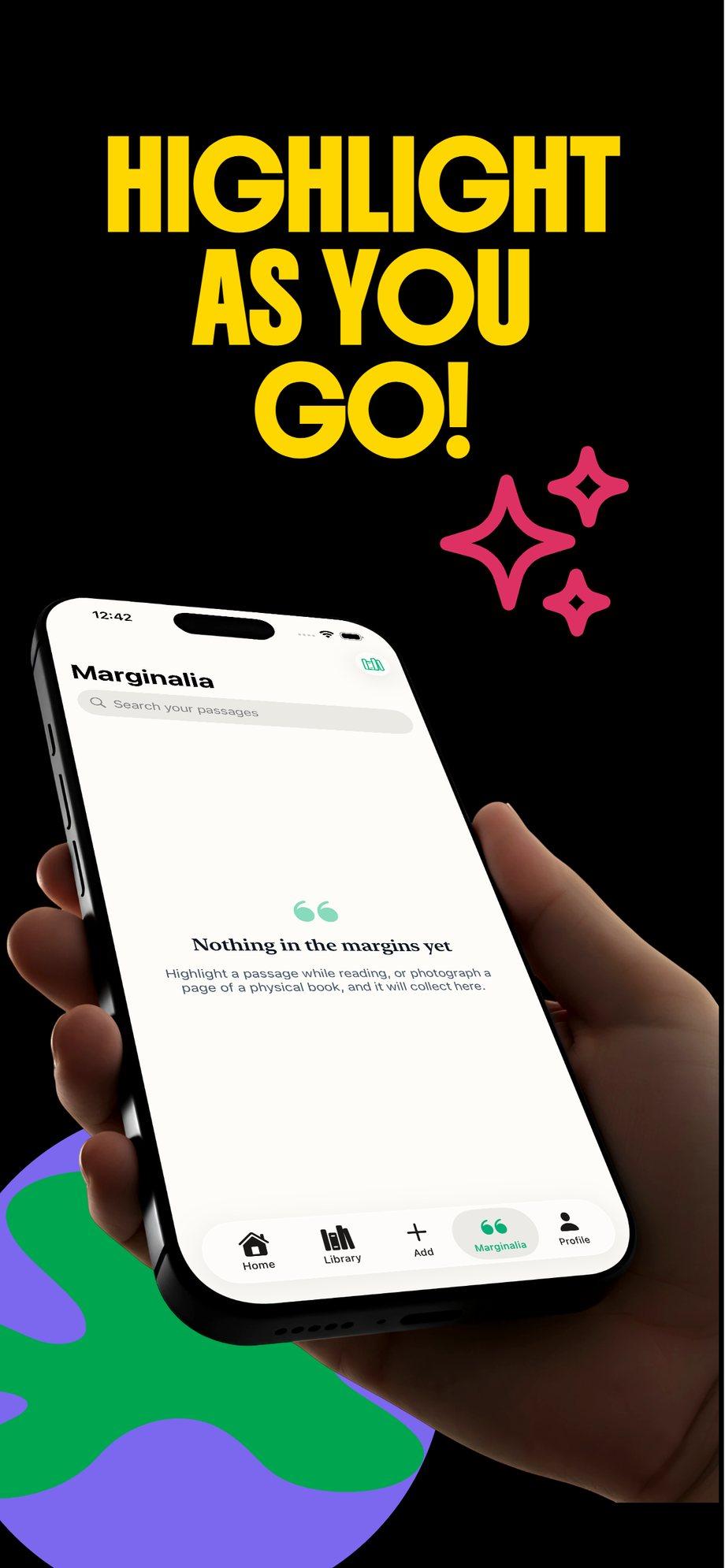
Highlight a paper page
Photograph the passage
Search it years later
Why Margin
Most serious readers still read on paper, and everything they mark up stays trapped in the object. The note in the margin is the most personal thing about a book, and it's the part no app could reach.
Margin starts there. Photograph the page and the text comes with it — no typing, nothing leaving your device. What you keep collects into something you can actually search years later.
CAPTURE
Photograph the page, keep the passage
Point your camera at a printed page and Margin reads the text off it. Text recognition runs entirely on your device — the photo is never uploaded and never saved to your library.
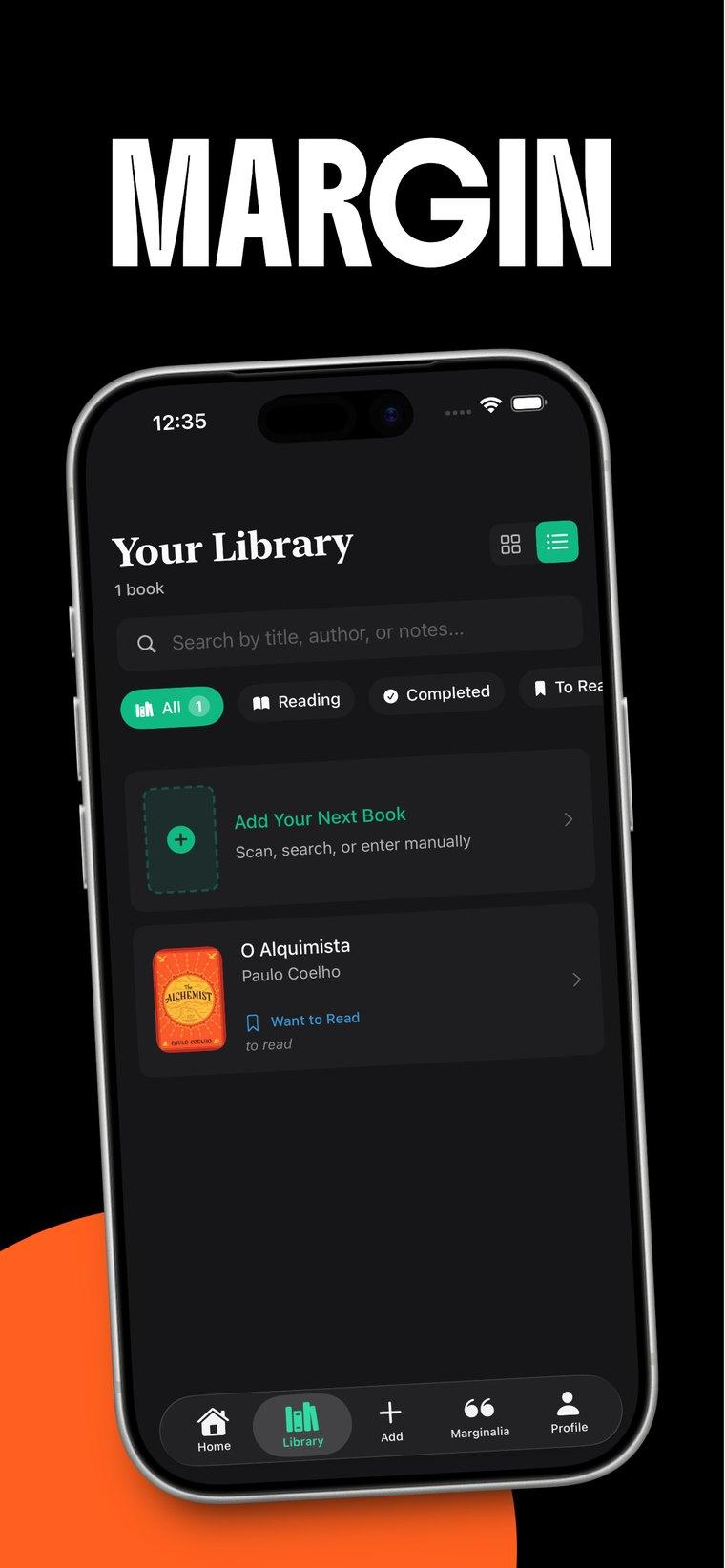
- 01Works with any physical book
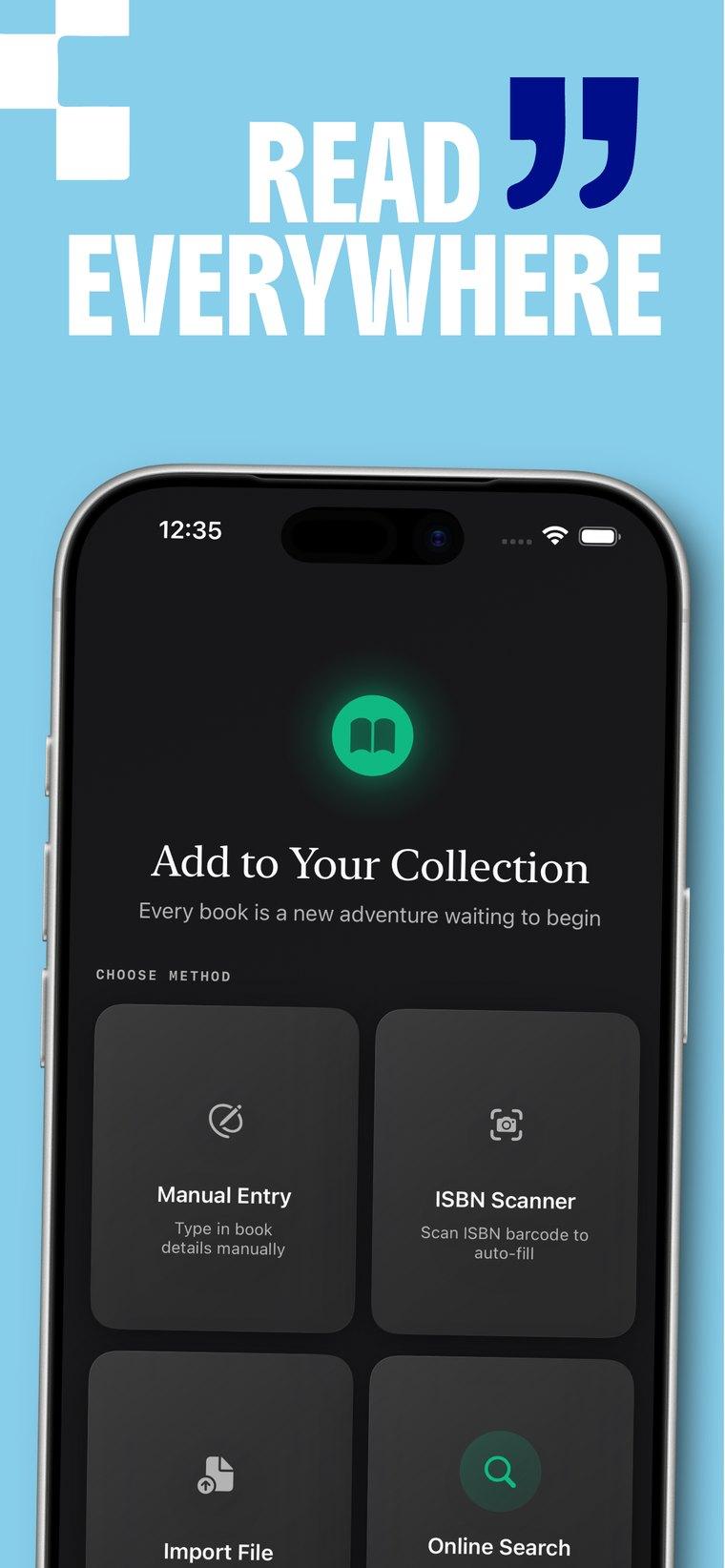
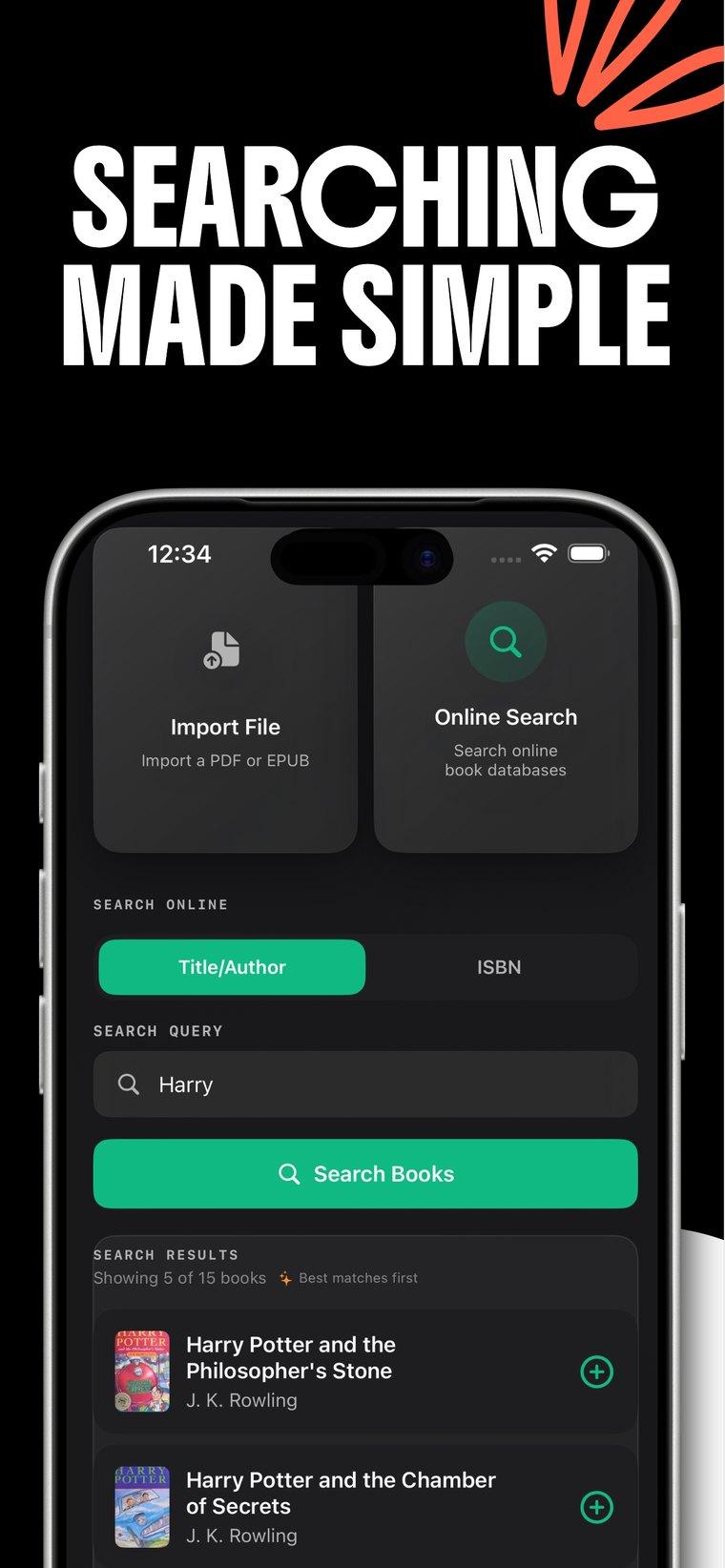
- 02Scan a barcode to add a title instantly
- 03Import your own PDFs and EPUBs and highlight those too
MARGINALIA
Everything you've kept, in one place
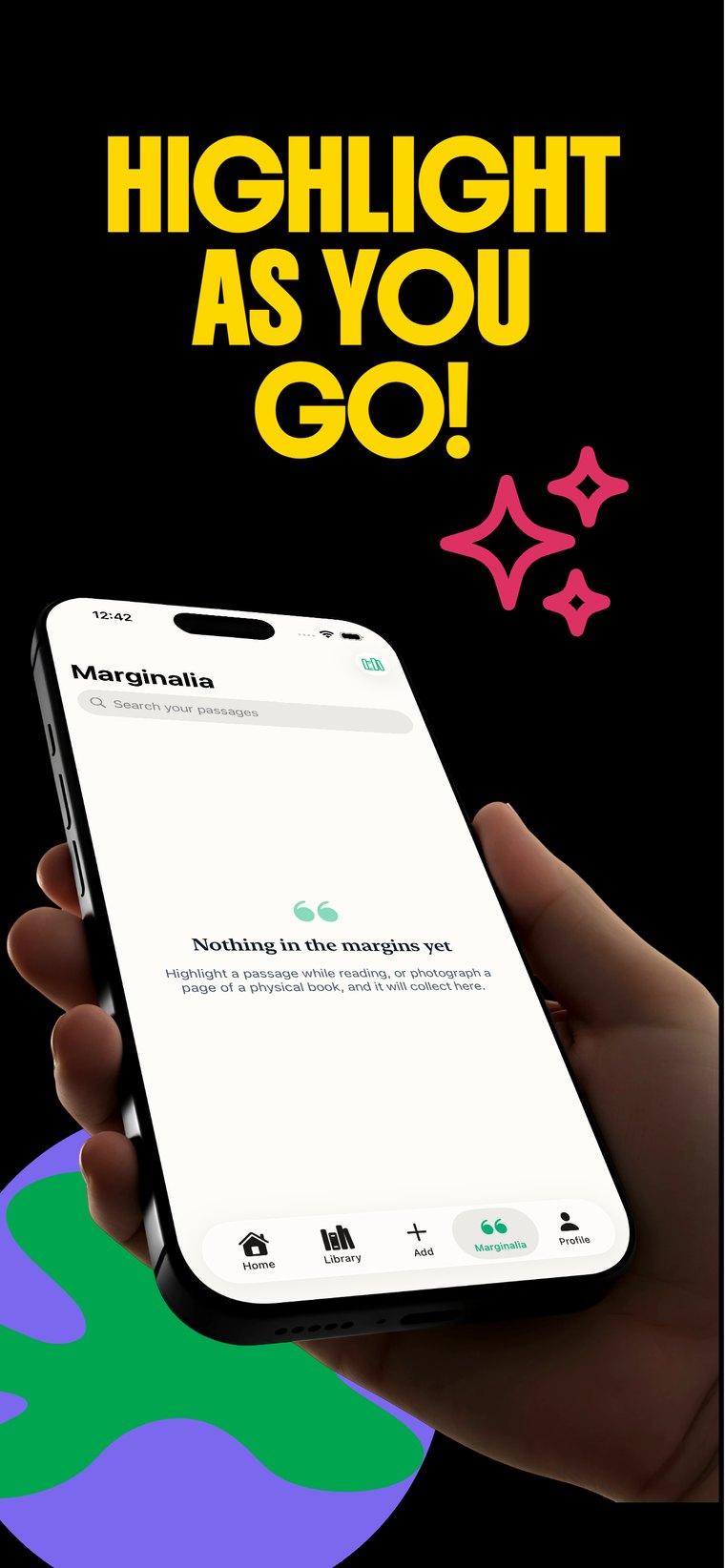
Every highlight, note, and captured passage collects into a single feed across your whole library — searchable by passage, note, title, or author.
- 01Filter to highlights, notes, or bookmarks
- 02Group by book or read as one timeline
- 03Share any passage as text
YOURS
No account, nothing on our servers
There is no sign-up. Your library lives on your device and syncs through your own iCloud, so it follows you to a new phone. We can't see your books or your notes, because they never reach us.
- 01Every feature free — no subscription, no ads
- 02Optional AI companion runs on your own OpenAI key

FAQs
Does it work with physical books?+
That's what it's built for. Photograph a page and Margin extracts the text on-device, so you can keep a passage without typing it out.
Do I need an account?+
No. There's no sign-up at all. Your library syncs through your own iCloud account, so it moves with you to a new phone without anyone else holding your data.
Does it cost anything?+
No. Every feature is included, with no subscription and no ads.
What's the AI companion?+
An optional feature that discusses a book alongside your own highlights. It stays off unless you add your own OpenAI API key, and Margin never ships a key of its own.