
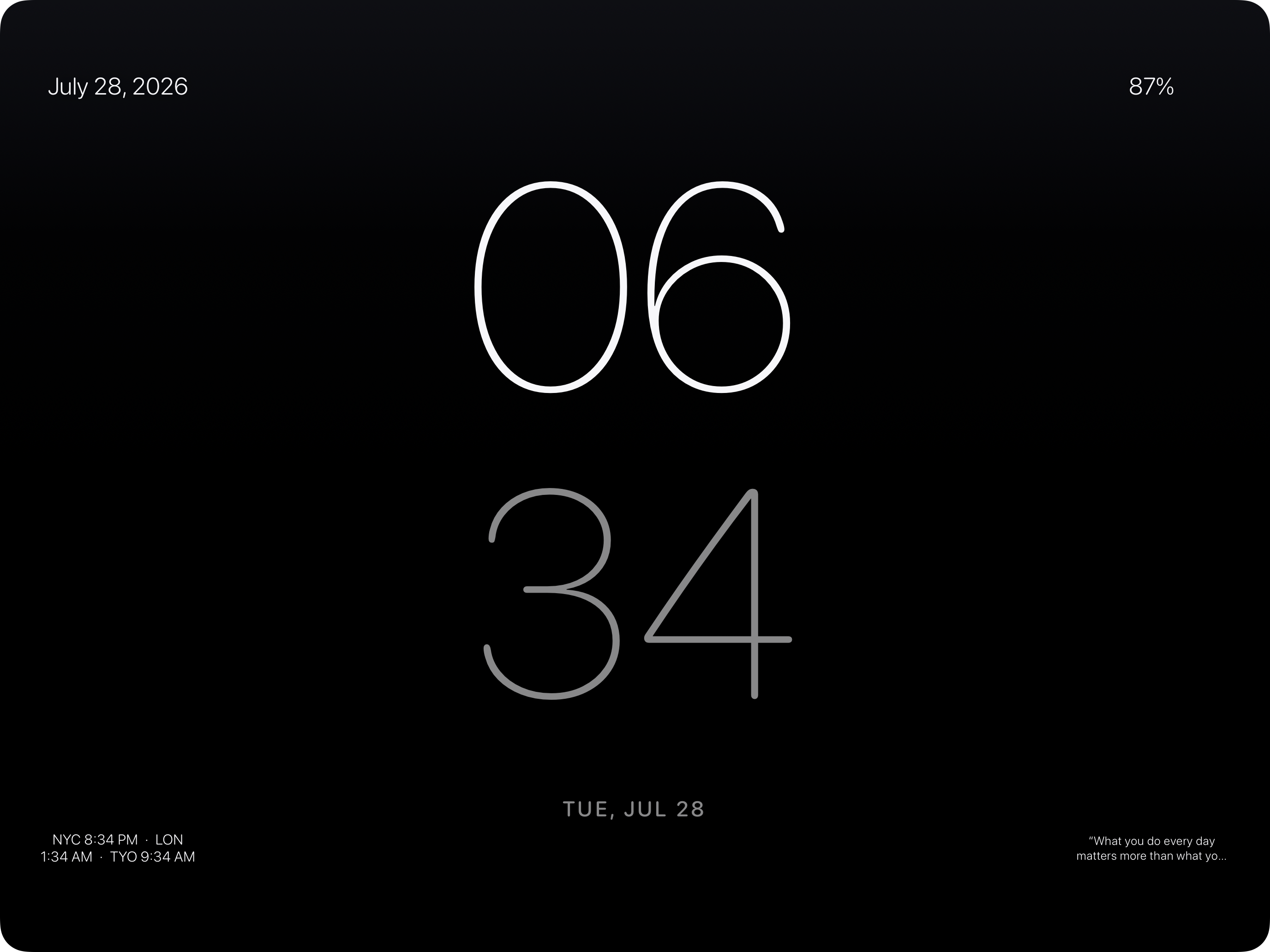
Big enough to read from bed.
Time, weather, and motion stay calm. Nothing asks to be tapped.
Plug it in, set it down, walk away. The screen you glance at a hundred times a day should be worth glancing at.
WHAT IDLE DOES
Time, weather, and motion stay calm. Nothing asks to be tapped.
A living display for the room — silent, or with rain, ocean, or fireplace.
No feeds, no sign-in, no noisy dashboard pretending to be useful.
THE WHOLE RITUAL
Plug it in
Set it down
Walk away
A mode Apple introduced for iPhone in iOS 17 — put the phone on a charger sideways and it turns into a clock and glanceable display. Apple never brought it to the iPad. Idle is that mode, built for the bigger screen.
Any iPad running iPadOS 26 or later. It's built with the newest system frameworks, which is what lets the scenes render the way they do.
No, but that's what it's for. Idle keeps the screen awake while charging and lets it sleep normally when you're on battery, so it won't quietly drain your iPad.
No. Every feature is included — all twelve scenes, all seven clock faces, every layout, the widgets, your own photos, and ambient sound. There are no ads, no subscription, and no in-app purchases.
No. There's no sign-up, no profile, and nothing to log into. Idle never asks who you are.
Yes. Pick anything from your photo library or paste a direct image link. Photos you add stay on your device and are never uploaded.
Yes. Idle registers a Shortcuts action, so you can build a one-step automation — when the charger connects, open Idle. The app walks you through it.